- Login to your cpanel at http://www.[yourdomain]/cpanel
- Enter your USERNAME and PASSWORD.
- This will take you into cPanel - Select Elevology Spam Filter in the Email module.

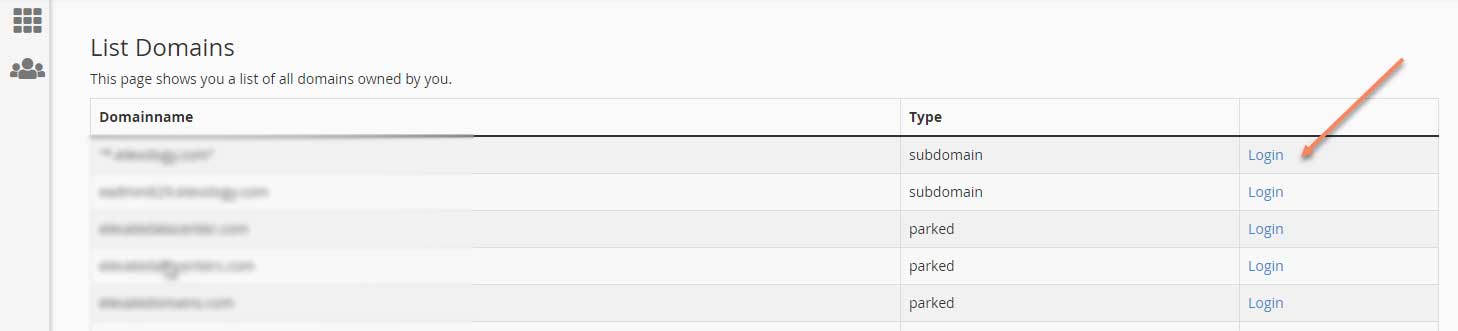
- On the next screen, all your domains will be listed. Select Login next to the domain for which you need to release email.
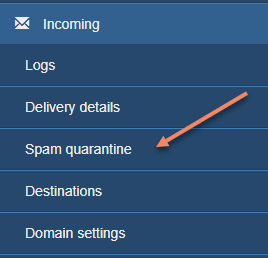
- This will bring you to the Elevology Spam Filter portal. In the left menu under Incoming, select Spam quarantine.
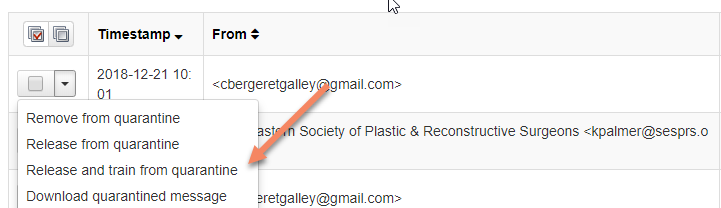
- A list of quarantined emails will populate. For any that are not spam, click on the drop-down arrow next to the email and select Release and train from quarantine.  These emails will no longer get flagged as spam.